
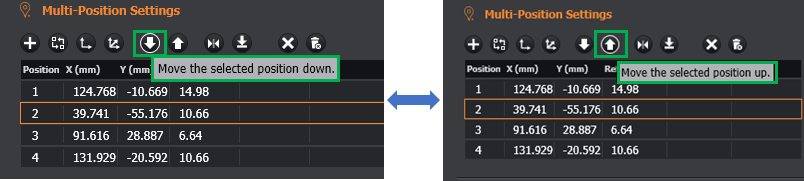
1. Re-order the positions in the table
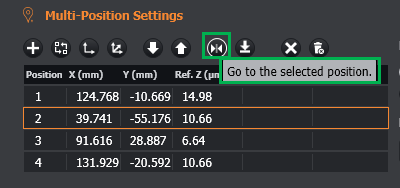
2. Press the Go to selected position button to jump to the position selected.
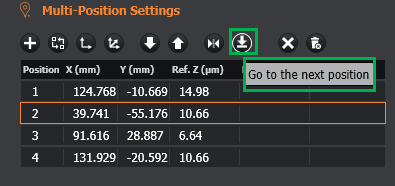
3. Press the Go to the next position button to move to the next position in the table.
4. Delete a single position in the table

5. Delete all the positions in the table
