
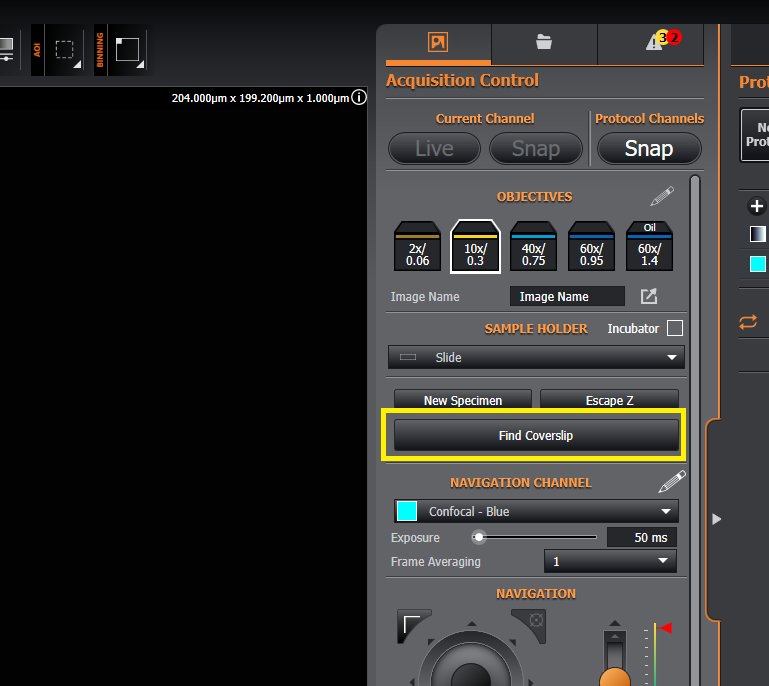
The ‘Find Coverslip’ functionality provides the ability to automatically locate the coverslip on the slide:
It is not compatible with the 2x, plastic vessels, and immersion oil/silicone oil objective lenses.
The list of supported objectives can be found here: Supported Objectives .
To run find coverslip:
-
Ensure the sample is within the field of view.
-
Click the
Find Coverslipbutton and the process will start, moving through z and acquiring images. You should not move in x, y or z while finding the coverslip.
-
After a few moments 'Find Coverslip' will complete and the coverslip should be in focus.