Installation Instructions - Express
The Express installation is the default recommended installation recommended for most users and applications.
-
Run FusionBenchtopSetup-*VersionNumber*.exe
-
Note you may need to have administrator privileges to run the setup file, contact your local IT administrator if this is required.
-
-
Follow on screen instructions:
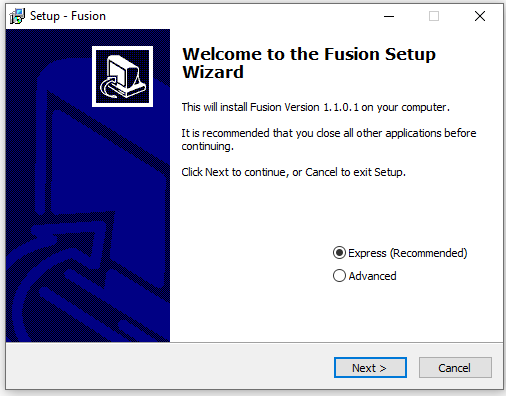
-
Select If you would like a desktop shortcut:
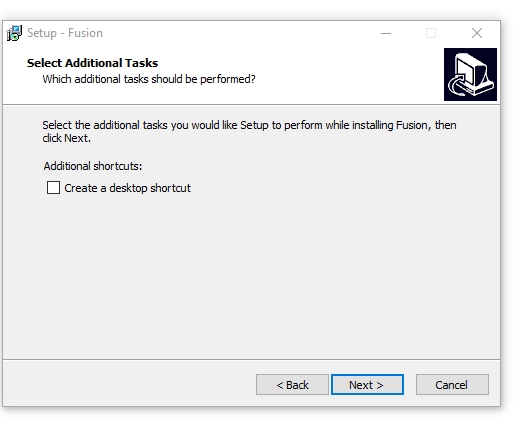
-
Begin installation:
-
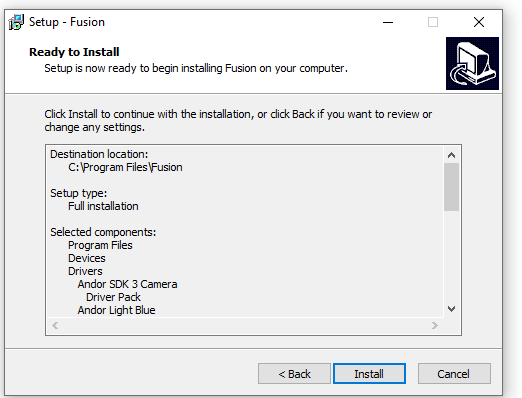
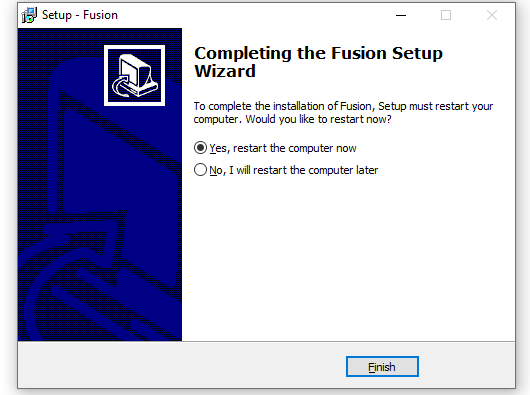
Installation complete dialog, restart PC to complete the setup:
-
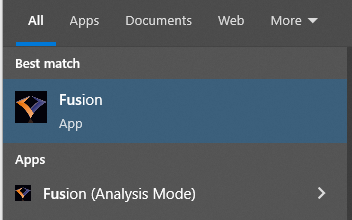
You may now run Fusion from the Start Menu or Desktop Shortcut: